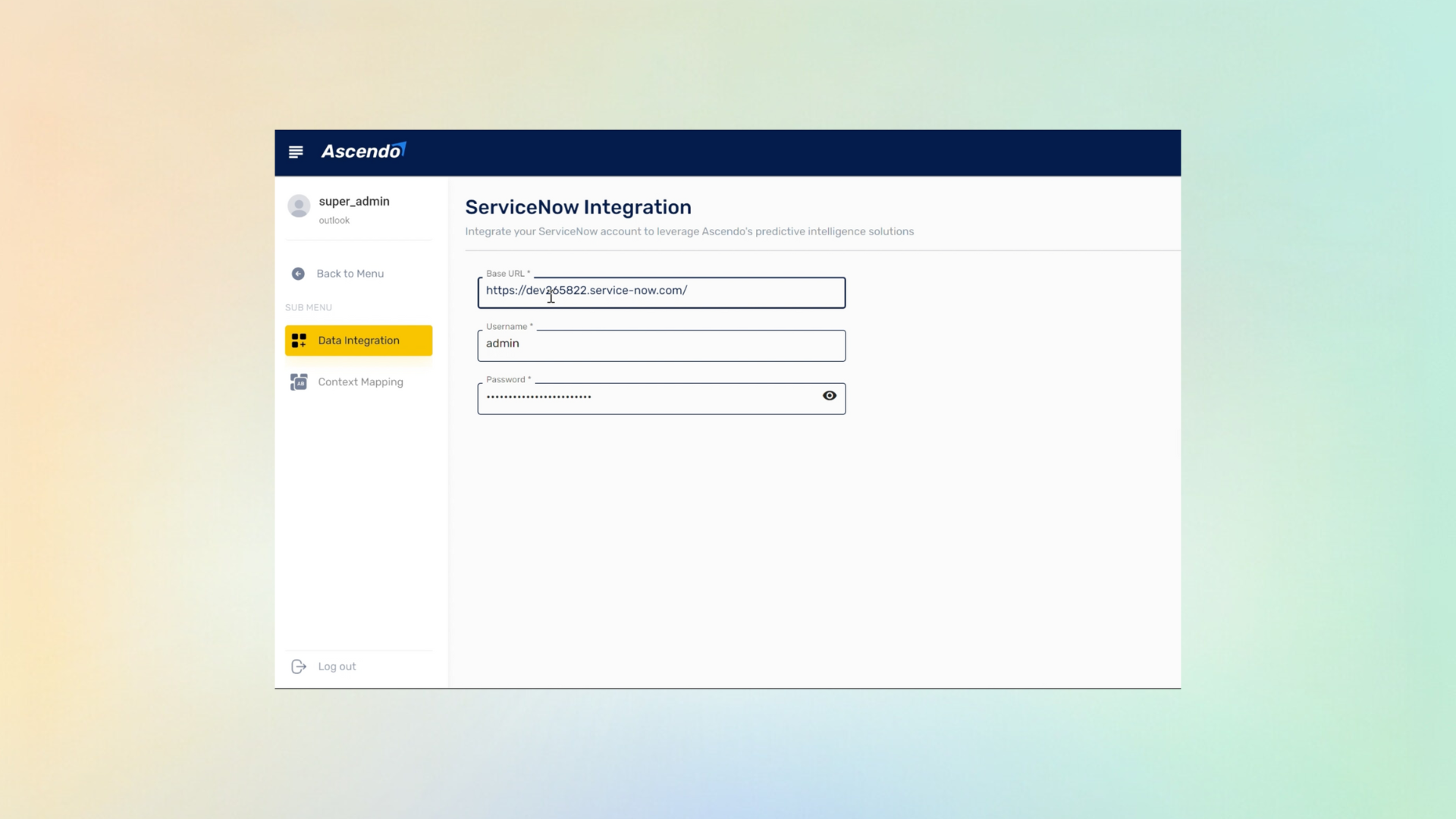
ServiceNow stays authoritative
Ascendo reads incidents and writes results back, but the record and its lifecycle stay in ServiceNow. Nothing about your reporting has to be re-pointed.
Before any of the assistance matters, an administrator has to approve a connection between two systems. This is that conversation: what data moves between ServiceNow and Ascendo, which direction it moves in, and what keeps the incident record authoritative on the ServiceNow side.
The agent-facing tour sells the idea. The connection is what gets signed off, and it is reviewed by an ITSM owner or enterprise architect whose job is to be sceptical about it.
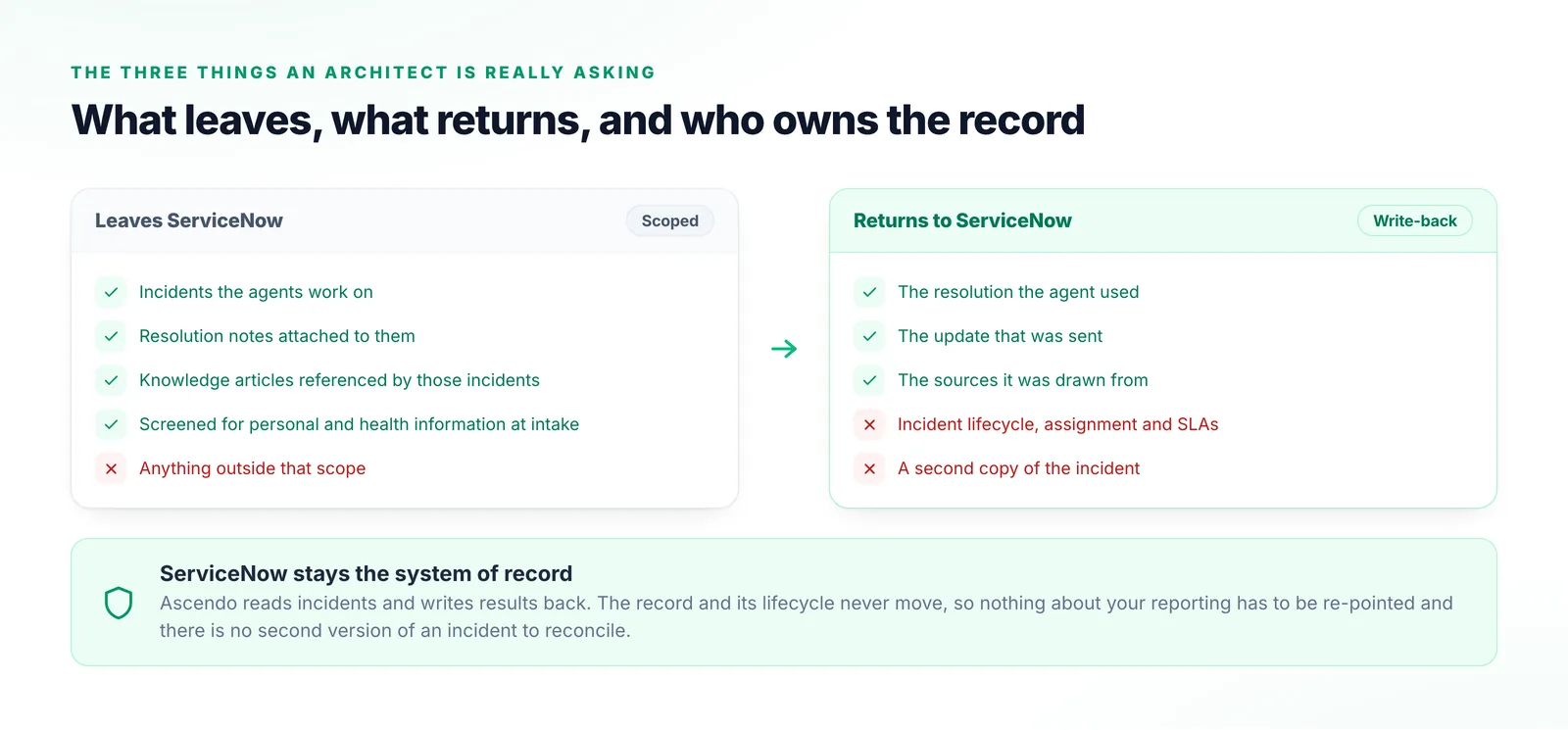
Their questions are always the same three: what leaves our instance, what comes back into it, and when the two disagree, which one wins. Those are much better answered before a pilot than during one.
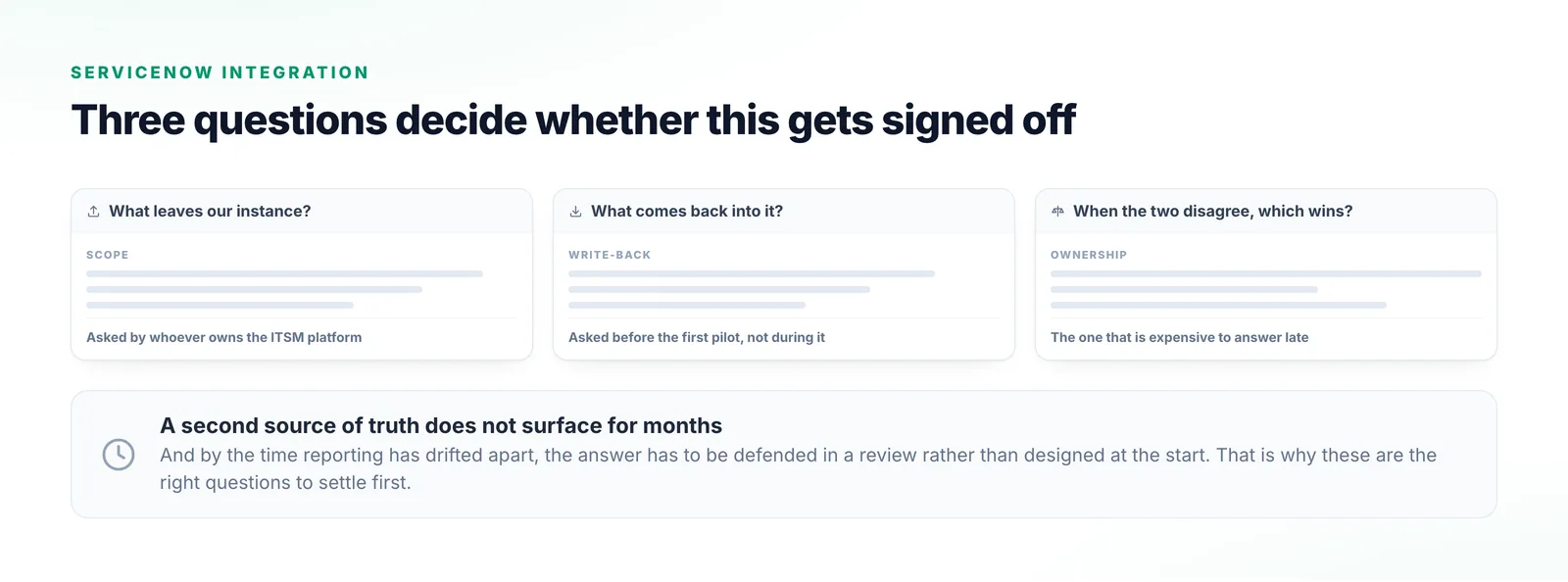
A scoped, reviewable exchange rather than a copy of your instance.
ServiceNow is added as a data source, scoped to the incidents and attached knowledge the agents need rather than granted broadly across the instance.
Content passes the PII Redaction agent on the way in, before it reaches any reasoning or storage layer, on rules you configure.
Incidents, resolution notes and knowledge articles are indexed alongside your manuals, Confluence, Jira and Slack.
Results return into the record. ServiceNow stays the system of record; Ascendo does not quietly become a second one.
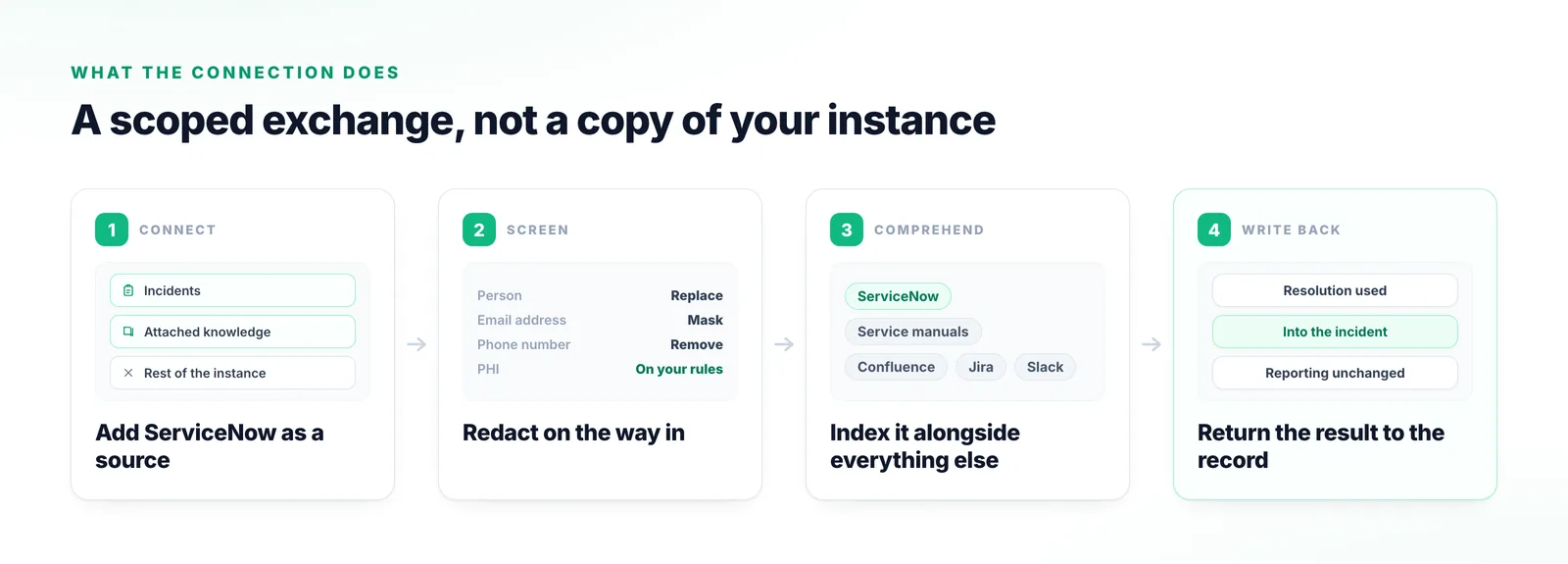
Ownership, scope, and what happens to the data in between.
Ascendo reads incidents and writes results back, but the record and its lifecycle stay in ServiceNow. Nothing about your reporting has to be re-pointed.
The reason to connect it is not to search it. Your incidents become one input alongside your manuals and the other systems your team works in.
Access is granted to the records the agents need rather than across the instance, with intake-level redaction and the option to keep sensitive processing inside your own estate.
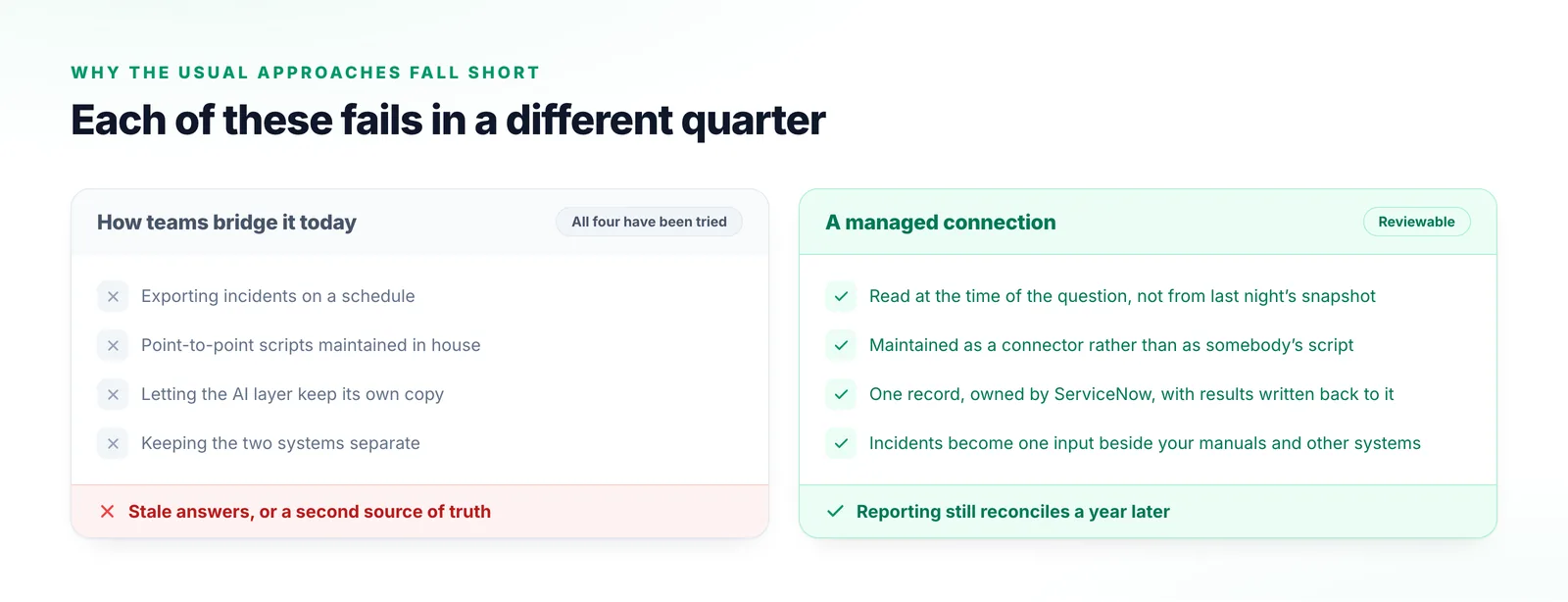
Every one of these has been tried, and each fails in a different quarter.
Answers are grounded in a snapshot, and the gap since the last export is where the wrong answer comes from.
They work until ServiceNow changes, a field is renamed, or the person who wrote them leaves.
Creates a second source of truth. Reporting drifts apart and nobody notices until a number has to be defended.
Agents bridge the gap by hand, and the incident history never reaches the system that could use it.
Worth agreeing on before the integration review rather than during it.
What agents get once the connection is live: suggestions and drafts inside the incident itself.
The intake-layer screen that runs before anything you connect reaches the reasoning layers.
The other half of the corpus: manuals, schematics and spec sheets, read alongside your incidents.
ServiceNow
The integration questions are the ones worth asking early. We will walk through scope, data flow and deployment topology for your instance rather than in the abstract.
Talk to us