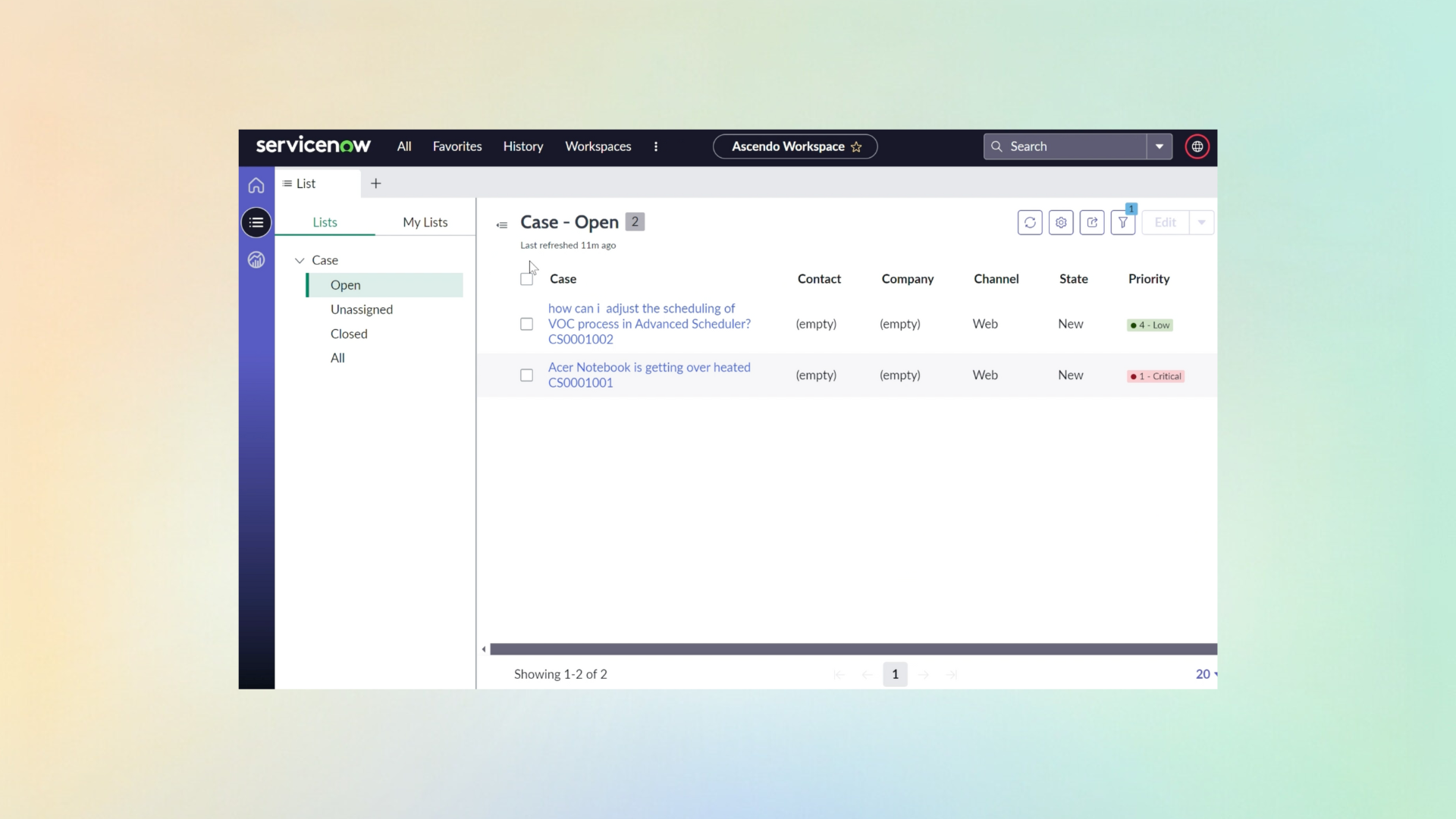
No second console
Suggestions appear against the incident your agent already has open. No new tool, nothing to copy between systems, which is what decides adoption long before anyone compares model quality.
Your ITSM process is settled, and your agents are not going to leave the incident record to use a second tool. Ascendo works inside ServiceNow: the resolution worth trying, the incidents that resemble this one, and a drafted update, in the record the agent already has open.
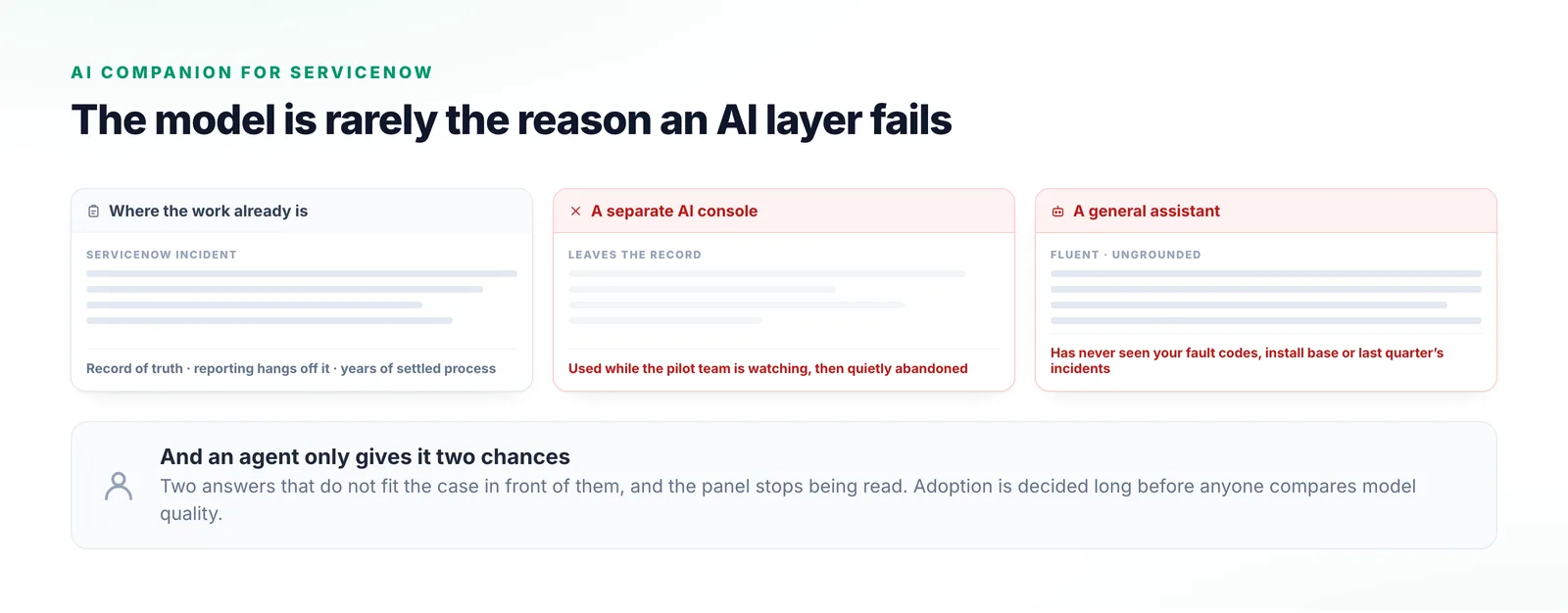
Support organisations that have standardised on ServiceNow are rarely looking to replace it. The incident is the record of truth, reporting hangs off it, and the process took years to settle into something that works.
That is what usually kills an AI layer, and it has nothing to do with model quality: it arrives as a separate console, gets used while the pilot team is watching, and is quietly abandoned. The other half is grounding. A general assistant has never seen your install base, your fault codes or the incidents you closed last quarter.
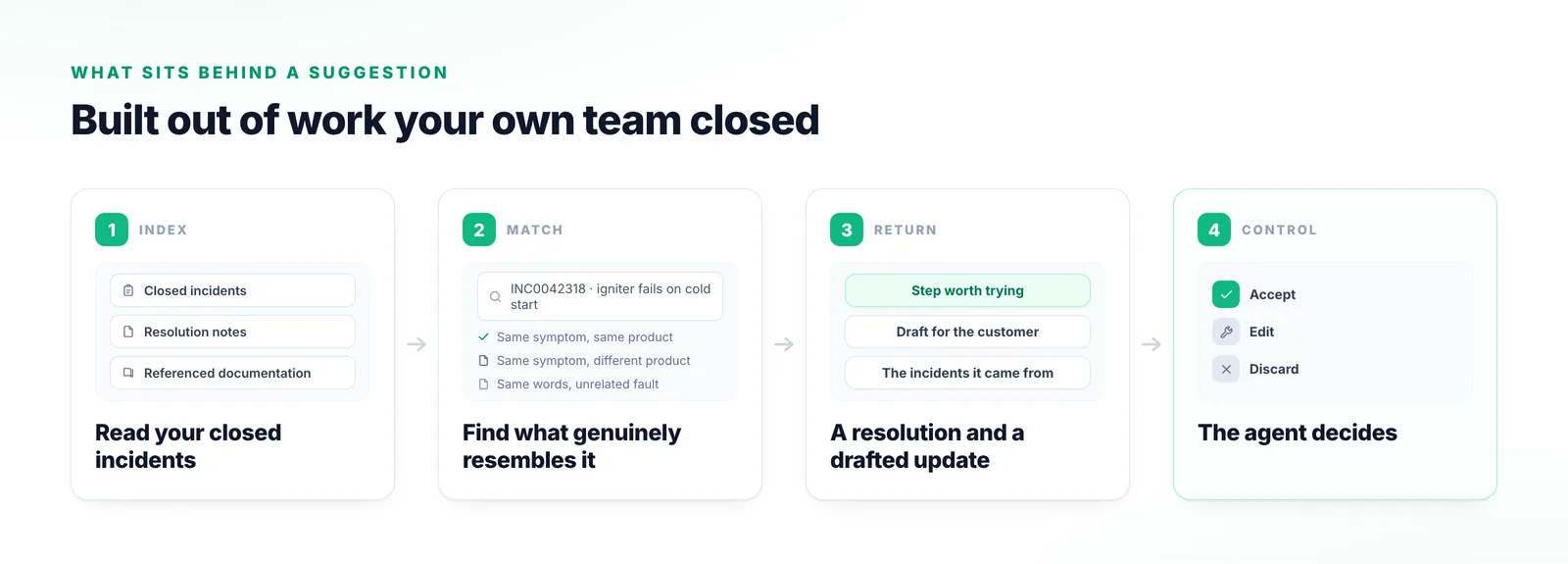
The value is not a model in a sidebar. It is that the suggestion is built out of your own resolved work.
Closed incidents, their resolution notes and the documentation they reference are read in, so the system knows how your team has actually solved things.
Ascendo reasons across that history and your documentation to find what genuinely resembles the incident: the same symptom on the same product.
The agent gets the step worth trying and a drafted update, along with the incidents and documents it was drawn from.
Nothing reaches a customer without approval. What the agent accepts, edits or discards feeds the next suggestion.
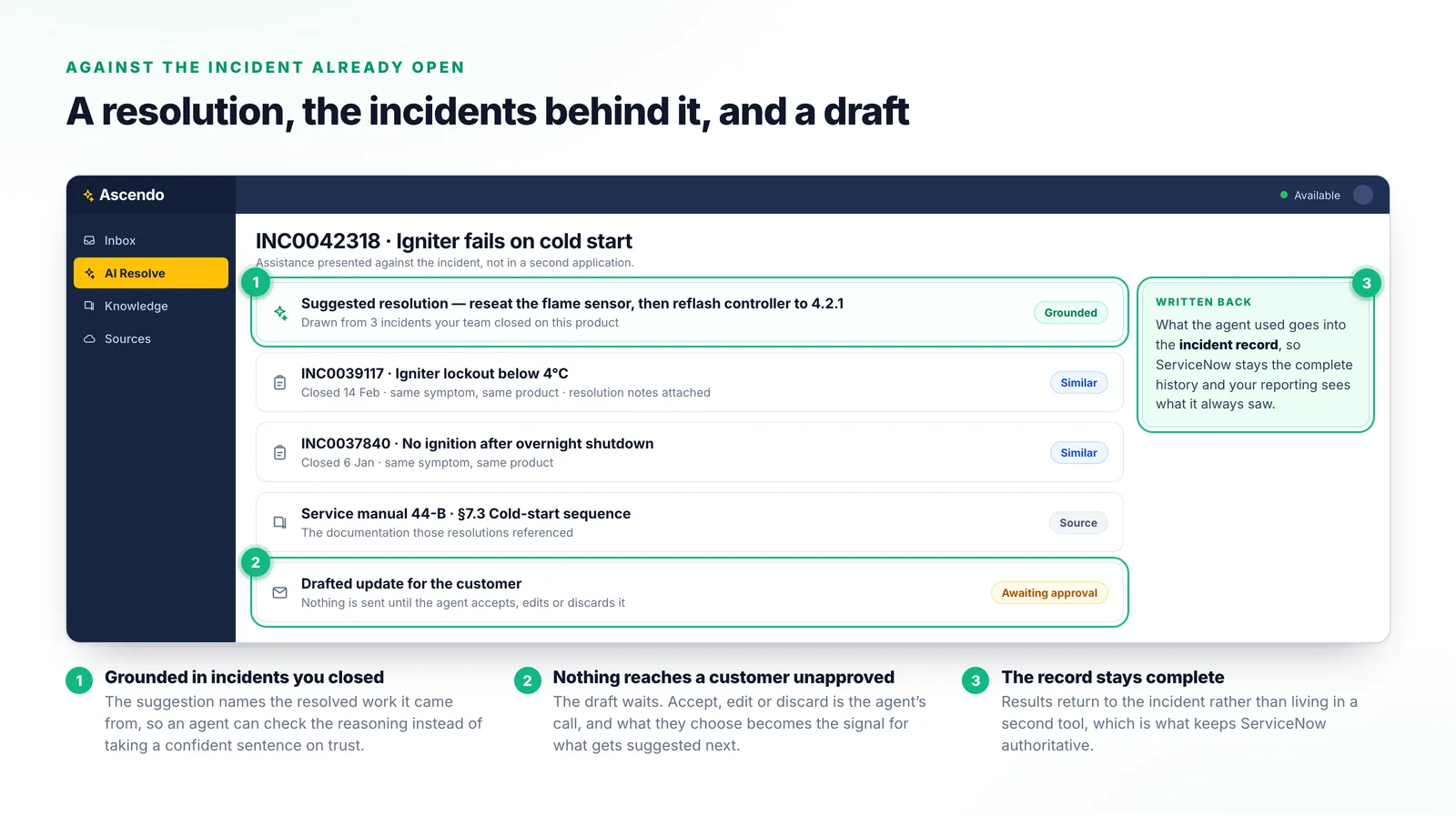
Three differences that decide whether an AI layer is still in use six months after the pilot.
Suggestions appear against the incident your agent already has open. No new tool, nothing to copy between systems, which is what decides adoption long before anyone compares model quality.
Suggestions are built from your closed incidents, your resolution notes and your own documentation, which is what makes them specific enough to act on.
Incidents are still created, assigned, escalated and reported exactly as they are today. Ascendo adds assistance inside that process rather than asking you to rebuild it.
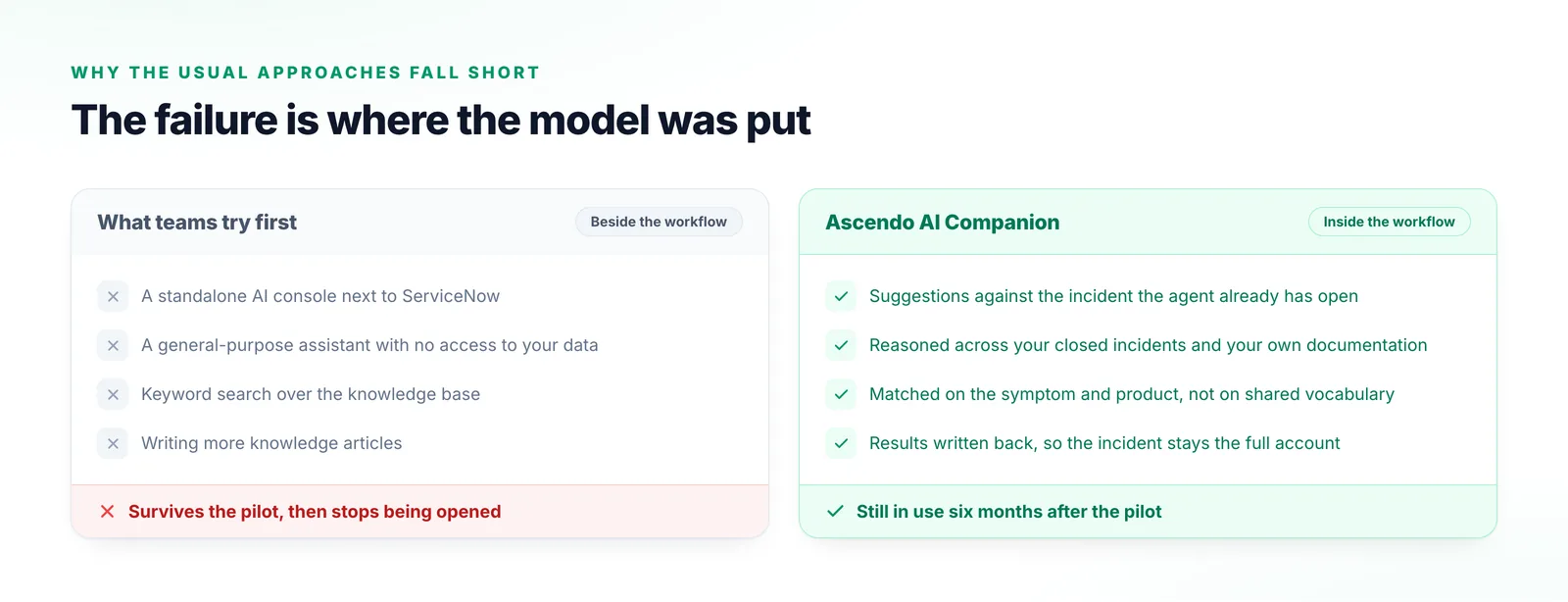
The failure is almost never the model. It is where the model was put.
Agents leave the incident to use it and paste the result back. It survives the pilot, then stops being opened.
It has never seen your fault codes or the incidents you closed last quarter, so the answers are fluent and generic.
Returns articles sharing vocabulary with the incident. Someone still has to work out which one applies.
Worth doing, and it does not solve retrieval. The article that would have helped usually already exists.
Where the ServiceNow vocabulary and the Ascendo vocabulary meet.
The administrator’s view of the same deployment: what data moves between the two systems, and which way.
The day-to-day version: what an agent does with a suggestion once it is in front of them.
A published deployment of Ascendo alongside ServiceNow, and what changed in their support operation.
ServiceNow
The quickest way to judge this is on incidents you have already closed, where you know the ending. Give us a representative sample and we will show you what Ascendo would have suggested.
Talk to us